
Use Fast WFC in Godot
In this tutorial we will see how use the fast wave function collapse plugin in Godot.
- Godot Engine 4

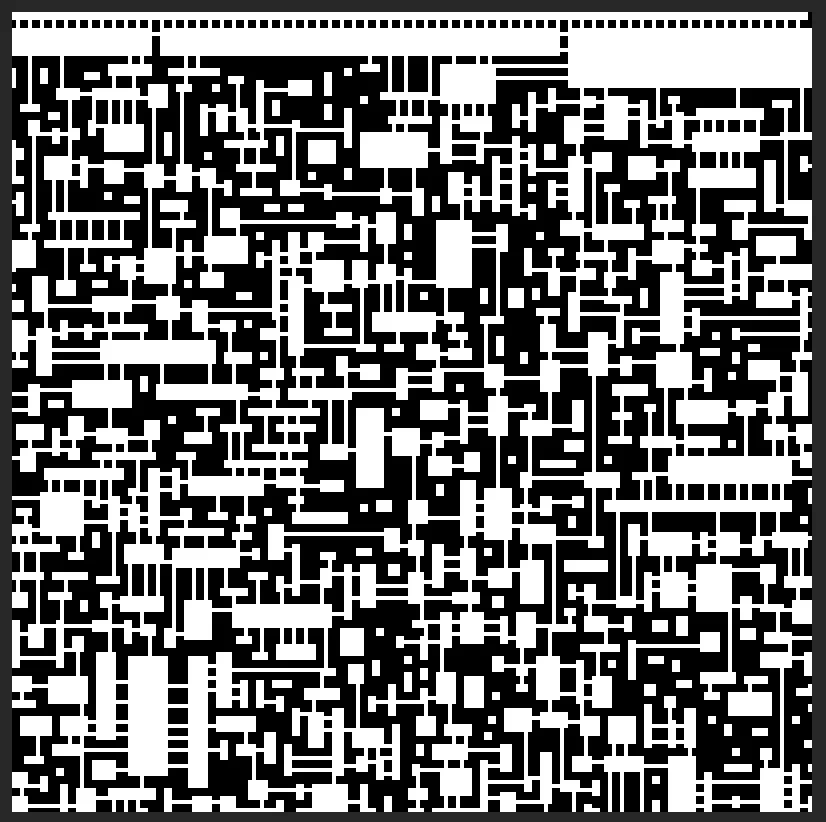
Fast WFC plugin on mac os
First you can create the empty godot project.
Install scons with brew
To build the fast wfc plugin you will need scons:
brew install sconsSet up godot-cpp
Download godot-cpp
Before building the dependency, download it
Pick the lastest release, at the time of writing this article the version 10.0.0-stable is available.
Unzip the archive and cd inside the directory with a terminal.
Build godot-cpp debug
Use scons and type the version of godot you used for the project, I am using version 4.7 and for the debug build :
scons platform=macos target=template_debug api_version=4.7Build godot-cpp release
Same thing for the release build:
scons platform=macos target=template_release api_version=4.7Configure godot-cpp
When building the Fast WFC you will need to rename the file or create a symbolic link:
ln -s libgodot-cpp.macos.template_debug.universal.a libgodot-cpp.macos.template_template_debug.aFor the release file
ln -s libgodot-cpp.macos.template_release.universal.a libgodot-cpp.macos.template_release.aBuild Fast WFC
Download Fast WFC fromm the github repo
Go inside the directory with a terminal and execute :
scons platform=macosThe build should fail because you will need to move godot-cpp at the right place, for me it is in the personal directory named godot-cpp
Once moved the build should succeed.
Config the extension file
Copy paste the Fast WFC directory into the godot project
Change the path of the mac os line, the file fast_wfc.gdextension should look like that:
[configuration]
entry_symbol = "wfc_init"
compatibility_minimum = "4.4"

[libraries]
macos = "res://bin/libfast_wfc.macos.release.framework/libfast_wfc.macos.release"
windows = "res://addons/Godot_Fast_WFC/bin/libfast_wfc.x86_64.windows.release.dll"
linux = "res://addons/Godot_Fast_WFC/bin/libfast_wfc.x86_64.linux.release.so"
Fixing the godot project
Edit the gd files
To fix the godot project we need to update the paths of the sprites, for example in the file tiling_demo.gd
After the update my tile paths look like this :
var tile_paths = {
    "bend": "res://demo/tiling/tiles/bend.png",
    "corner": "res://demo/tiling/tiles/corner.png",
    "corridor": "res://demo/tiling/tiles/corridor.png",
    "door": "res://demo/tiling/tiles/door.png",
    "empty": "res://demo/tiling/tiles/empty.png",
    "side": "res://demo/tiling/tiles/side.png",
    "t": "res://demo/tiling/tiles/t.png",
    "turn": "res://demo/tiling/tiles/turn.png",
    "wall": "res://demo/tiling/tiles/wall.png"
}
Do the same for all the res:// in the file and in the overlapping_demo.gd file.
Assign the tiles
You need to setup the tiles by opening the project tiling demo and in the Hirarchy of nodes click on the Test, this menu should appear:
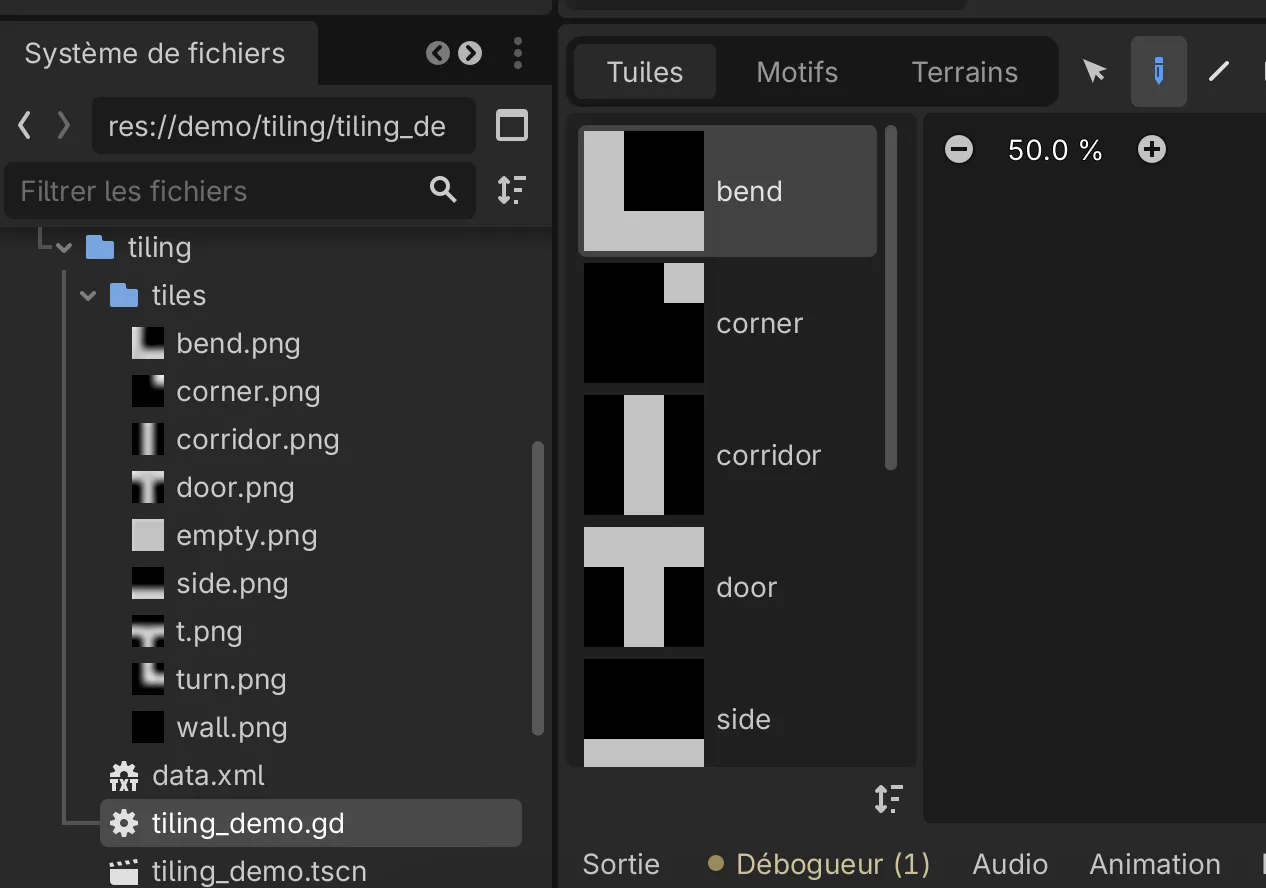
By dragging and dropping each textures to the boxes the tilemap should be correctly configured.
Compile and run the demos and produce the images
Each projects should compile when you set them as the main scene and produce png images.
Fast WFC plugin on linux
Install scons
sudo apt install scons- Download godot-cpp
- Extract the archive
Set up godot-cpp for linux
Build godot-cpp debug for linux
Use scons and type the version of godot you used for the project, I am using version 4.7 and for the debug build :
scons platform=linux target=template_debug api_version=4.7Build godot-cpp release for linux
Same thing for the release build, only the target is updated:
scons platform=linux target=template_release api_version=4.7Build Godot Fast WFC
Copy and rename the directory for godot cpp : godot-cpp and put it in your personal folder.
Change directory to go into the Godot_Fast_WFC-0.1.1 and use scons:
scons platform=linuxImport Godot Fast WFC into the godot project
Copy the built directory into the Godot project
Update linux path for fast_wfc.gdextension
Update the linux line in the file fast_wfc.gdextension:
[configuration]
entry_symbol = "wfc_init"
compatibility_minimum = "4.4"

[libraries]
#macos = "res://addons/Godot_Fast_WFC/bin/libfast_wfc.macos.release.framework"
windows = "res://addons/Godot_Fast_WFC/bin/libfast_wfc.x86_64.windows.release.dll"
linux = "res://bin/libfast_wfc.x86_64.linux.release.so"
Update paths for tiling_demo.gd and overlapping_demo.gd
Open the files and change every paths starting by res://
Assign the tiles for the tiling demo
Update the textures of the tileset by opening the tiling_demo scene and by clicking on the object in the hierarchy of nodes.
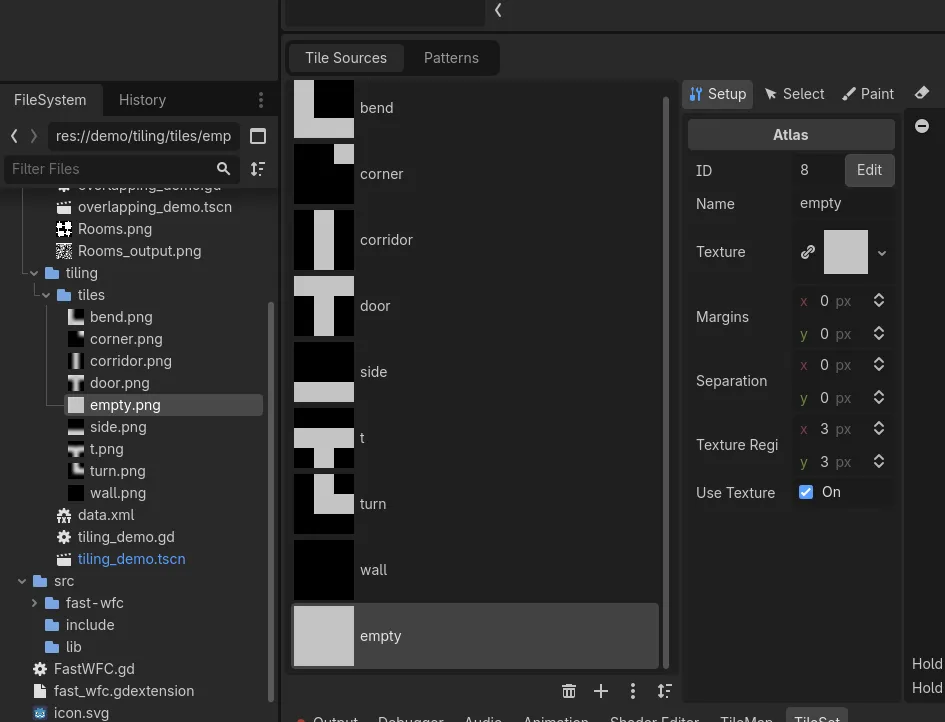
Compile and run the demos and produce the images
Each projects should compile when you set them as the main scene and produce png images.
Fast WFC plugin on windows
Install python
To install scons you will need to have python
Install scons
Once python is installed and in your path in a terminal:
pip install scons Set up godot-cpp
- Download godot-cpp
- Extract the archive
Build godot-cpp debug
Go into the folder in a terminal and use scons to build for the version of Godot you are using, for me it’s 4.7:
scons platform=windows target=template_debug use_mingw=yes api_version=4.7Build godot-cpp release
scons platform=windows target=template_release use_mingw=yes api_version=4.7Install g++
Download the msys2 installer
pacman -S –needed base-devel mingw-w64-x86_64-toolchain
Add to the windows path C:\msys64\ucrt64\bin
Compile Godot Fast WFC
scons platform=windows target=release use_mingw=yesImport Godot Fast WFC into the godot project
Copy the built folder into the Godot project
Update linux path for fast_wfc.gdextension
Update the windows line in the file fast_wfc.gdextension:
[configuration]
entry_symbol = "wfc_init"
compatibility_minimum = "4.4"

[libraries]
#macos = "res://bin/libfast_wfc.macos.release.framework"
windows = "res://bin/libfast_wfc.x86_64.windows.release.dll"
#linux = "res://bin/libfast_wfc.x86_64.linux.release.so"
Then open the Godot project if the project crash it means your dll has mixed dependencies. To fix the problem use this dll : libfast_wfc.x86_64.windows.release.dll
Update paths for tiling_demo.gd and overlapping_demo.gd
Open the files and change every paths starting by res://
Assign the tiles for the tiling demo
Update the textures of the tileset by opening the tiling_demo scene and by clicking on the object in the hierarchy of nodes.
You can now run the two projects tiling and overlapping !
Download of the full projects
For macos you need to download the file: wfc-mac.7z
For linux you need to download the file: wfc-linux.7z
For windows you need to download the file: wfc-windows.7z