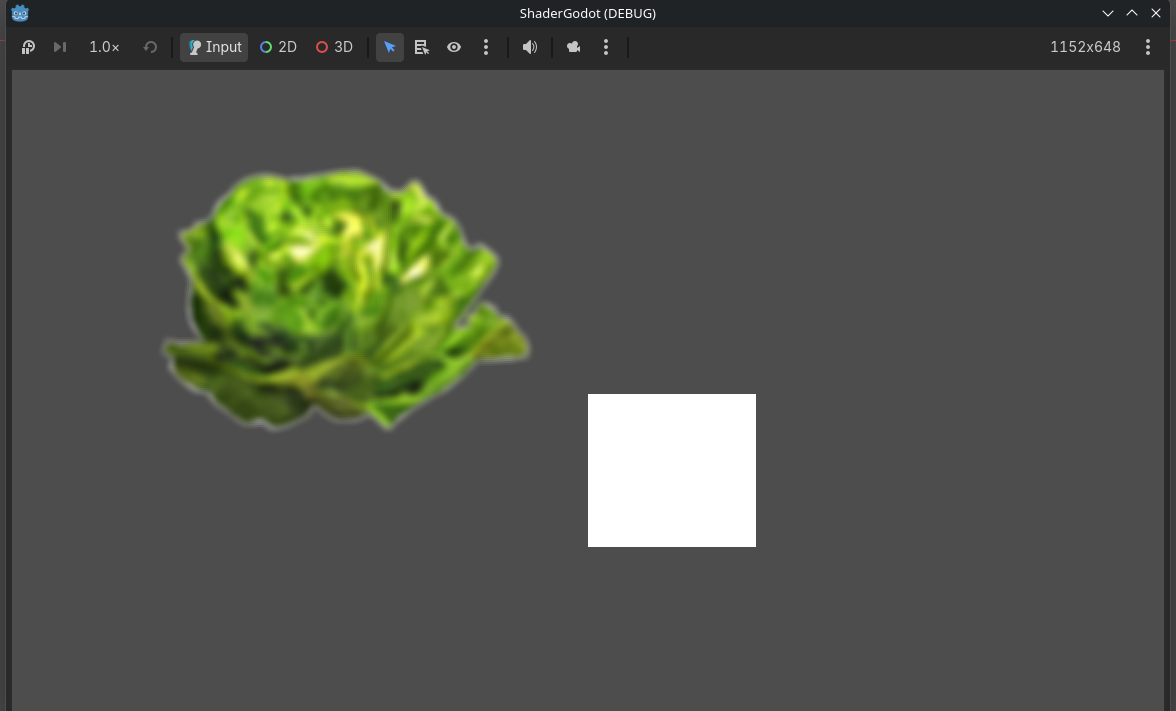
Use shader in Godot
In this tutorial we will see how to play an create and use shaders in Godot 4. Through multiple examples you will see how to create simple shaders in GDShader.
- Godot Engine 4


What is a shader ?
A 2d shader in Godot is a material written in GDShader (a language similar to GLSL).
Create the scene
The scene is empty, you can select Scene 2D we will see simple examples.

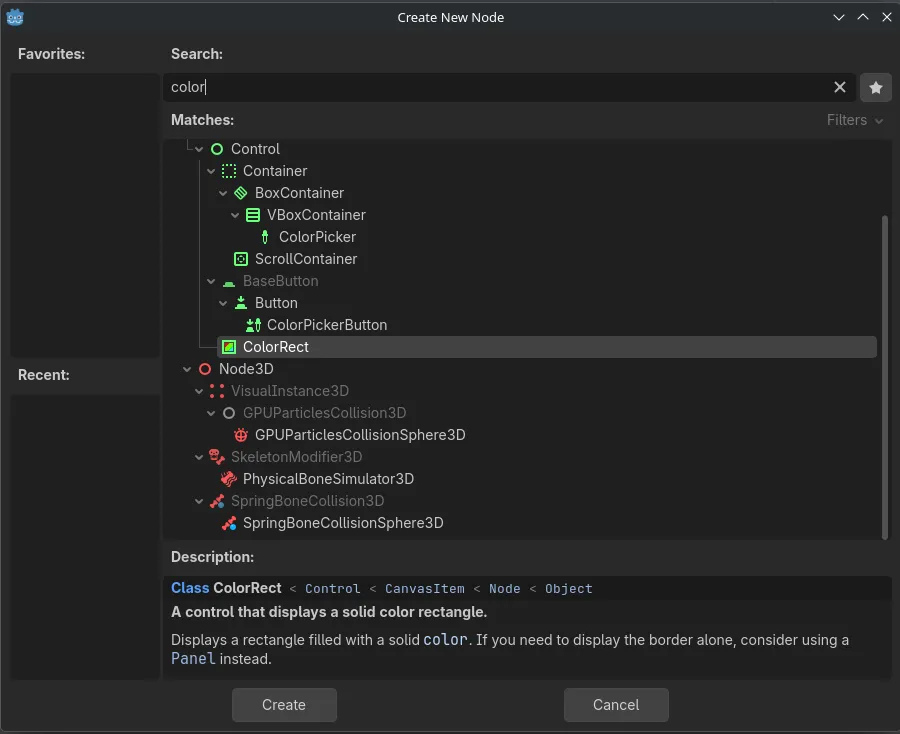
Add a ColorRect to the scene
Add Child node… -> search “color” -> Select ColorRect -> Create
Under material in the inspector -> New ShaderMaterial

Click on the shader material and see the shader is empty, add a new shader by clicking the arrow :
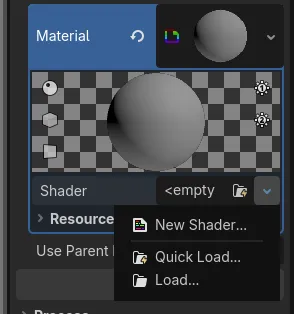
By Cliking New Shader… you obtain a window :
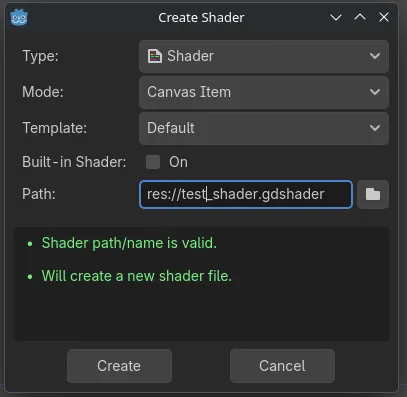
Color shader: Change the color of the ColorRect
Inside the fragment function try typing :
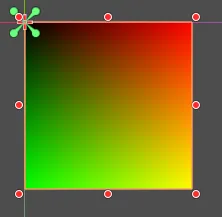
COLOR = vec4(UV.x, UV.y, 0.0, 1.0);You should obtain a gradient like this :
Use time in a shader: Oscillation shader
This time the idea is to use the time to create a wave :
uniform float speed = 3.0;

void fragment() {
    vec4 color = texture(TEXTURE, UV);
    // Oscillation entre 0.2 et 1.0 d'alpha
    float alpha = (sin(TIME * speed) + 1.0) / 2.0 * 0.8 + 0.2;

    COLOR = vec4(color.rgb, color.a * alpha);
}
How to pass parameters to a shader
In this example we will pass a parameter to the shader using tweens.
For the shader, we invert the color if the flash is enabled, by default the flash is disabled.
uniform float flash_amount : hint_range(0.0, 1.0) = 0.0;

void fragment() {
    vec4 tex_color = texture(TEXTURE, UV);

    vec3 inverted_color = vec3(1.0) - tex_color.rgb;

    vec3 final_rgb = mix(tex_color.rgb, inverted_color, flash_amount);

    COLOR = vec4(final_rgb, tex_color.a);
}
For the script attached to the ColorRect:
extends ColorRect

var is_taking_damage: bool = false

func _unhandled_input(event: InputEvent) -> void:
	if event is InputEventKey and event.pressed and not event.echo:
		if event.keycode == KEY_D or event.keycode == KEY_SPACE:
			take_damage()

func take_damage() -> void:
	var mat = material as ShaderMaterial
	if mat == null or is_taking_damage:
		return

	is_taking_damage = true

	var tween = create_tween()
	tween.tween_property(mat, "shader_parameter/flash_amount", 1.0, 0.08)
	tween.tween_property(mat, "shader_parameter/flash_amount", 0.0, 0.15)

	tween.finished.connect(func(): is_taking_damage = false)
How to do blur with a godot shader
You will need a texture : lettuce.png
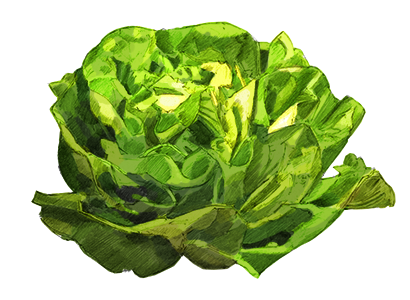
Here is the shader you need to use on this texture to have a gaussian blur:
uniform float blur_amount : hint_range(0.0, 5.0) = 2.0;
uniform int blur_radius : hint_range(1, 8) = 3;

void fragment() {
    if (blur_amount <= 0.01) {
        COLOR = texture(TEXTURE, UV);
    } else {
        vec4 color = vec4(0.0);
        float total_weight = 0.0;
        vec2 pixel_size = TEXTURE_PIXEL_SIZE * blur_amount;

        float sigma = max(blur_amount, 0.1);
        float two_sigma_sq = 2.0 * sigma * sigma;

        for (int x = -blur_radius; x <= blur_radius; x++) {
            for (int y = -blur_radius; y <= blur_radius; y++) {
                float dist_sq = float(x * x + y * y);
                float weight = exp(-dist_sq / two_sigma_sq);

                vec2 offset = vec2(float(x), float(y)) * pixel_size;
                color += texture(TEXTURE, UV + offset) * weight;
                total_weight += weight;
            }
        }

        COLOR = color / total_weight;
    }
}
Download of the full project
You need to download the file : shader-godot.7z