Intermediate
Import a tilemap made with Tiled
In this tutorial we will see how import in Godot a tilemap created with Tiled.
Prerequisites / Tools :
- Godot Engine

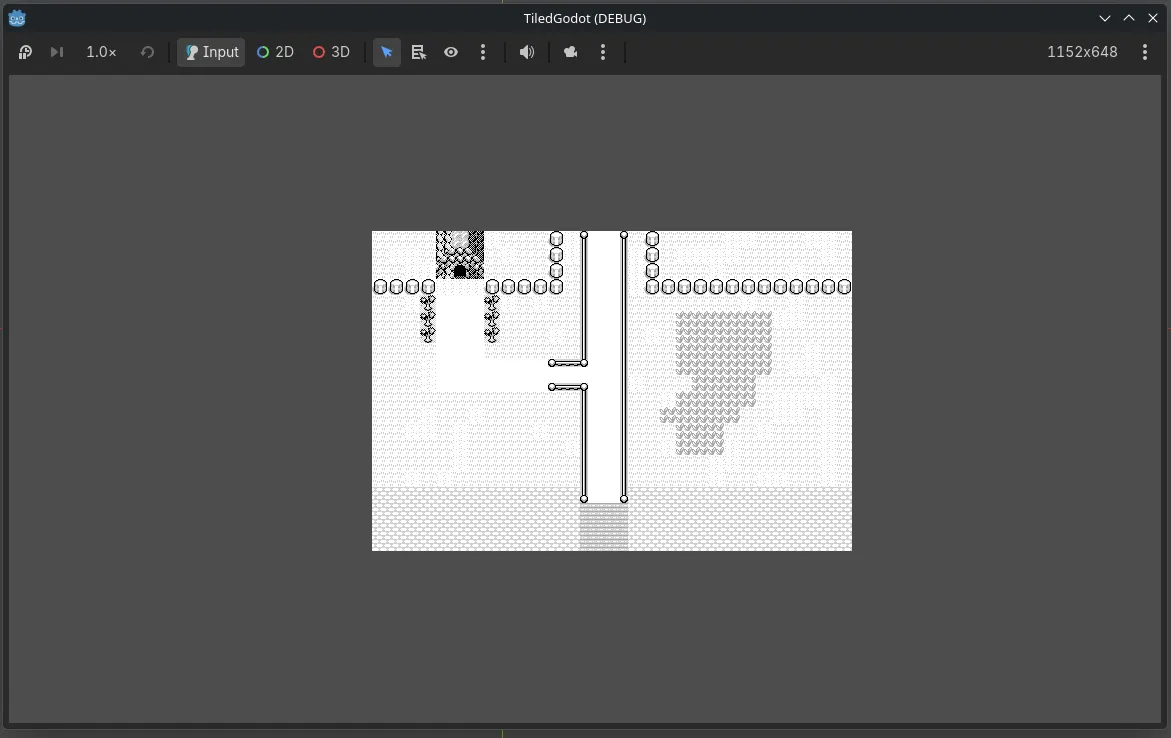
Tilemap pokemon
The first things to have is a tilemap from a game.
In this tutorial I will pick the tilemap from pokemon red and make a small map from it with Tiled

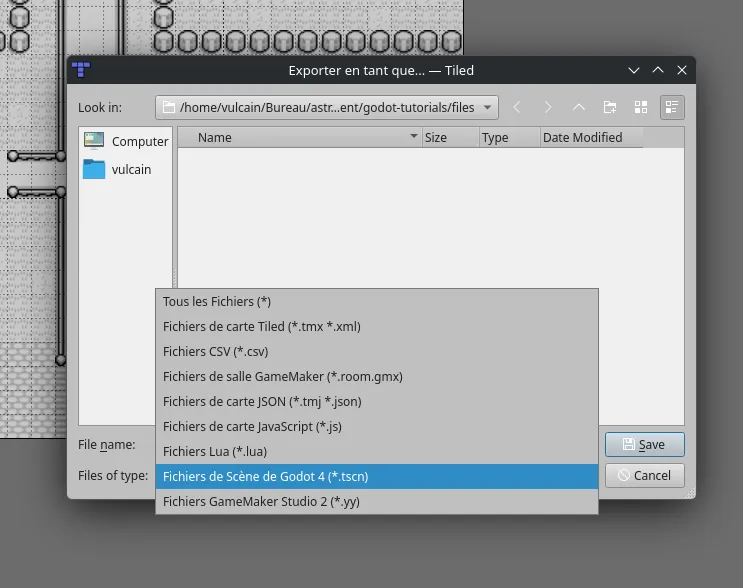
You need to import this tiled map into Tiled and create a new map from it. After that create a Godot project to be able to export the map for Godot.
Create the Tilemap with Tiled
Here an example map I have done with Tiled:
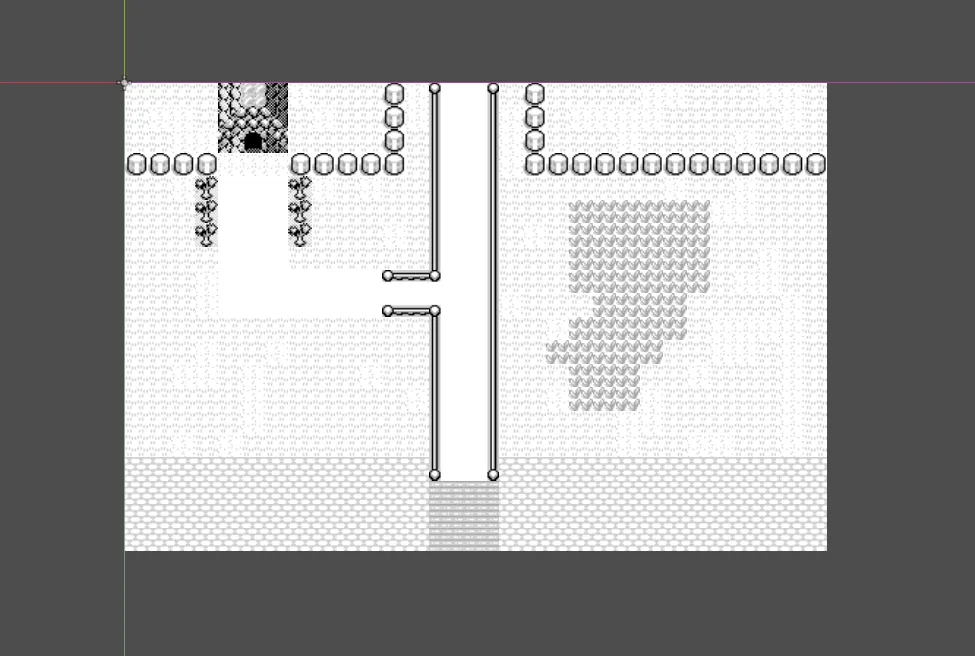
After the map is created in the godot directory you need to open it with Godot, but the tilemap is currently depreciated:
Import the Tilemap with Godot
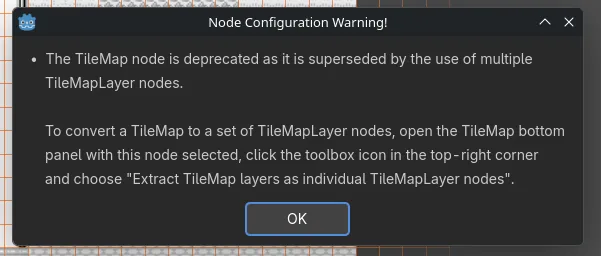
To convert the tilemap to the new Godot format you need to topen the TileMap menu:
Convert the Tilemap with Godot
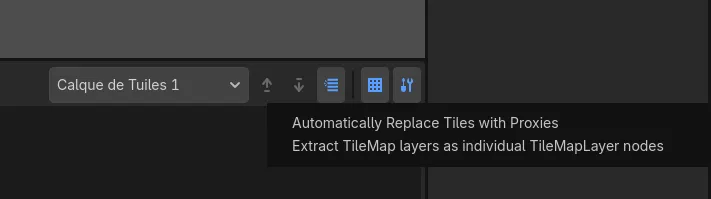
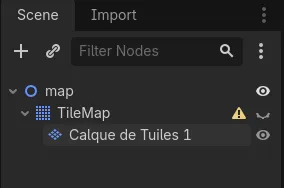
After the layer extraction, you can delete the old tilemap:
Download of the full project
You need to download the file : tiled-godot.7z